
Ages Ago / How it works
how we mend a photo.
How we mend a photo
An AI image model does the mending, and we say so plainly. What makes it Ages Ago is everything around it: the care before anything is sent, the fixed instructions, and a comparison of every single face.
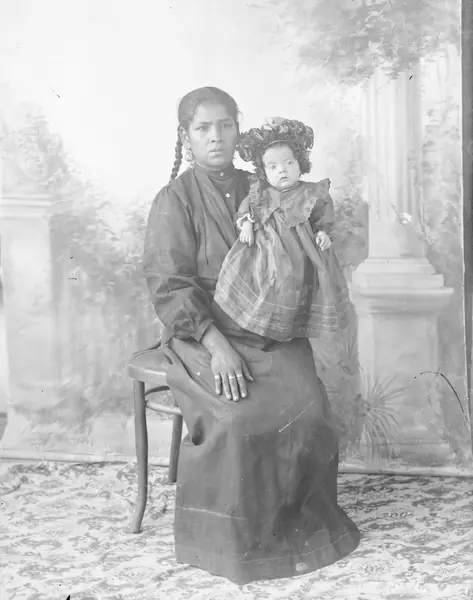 before.
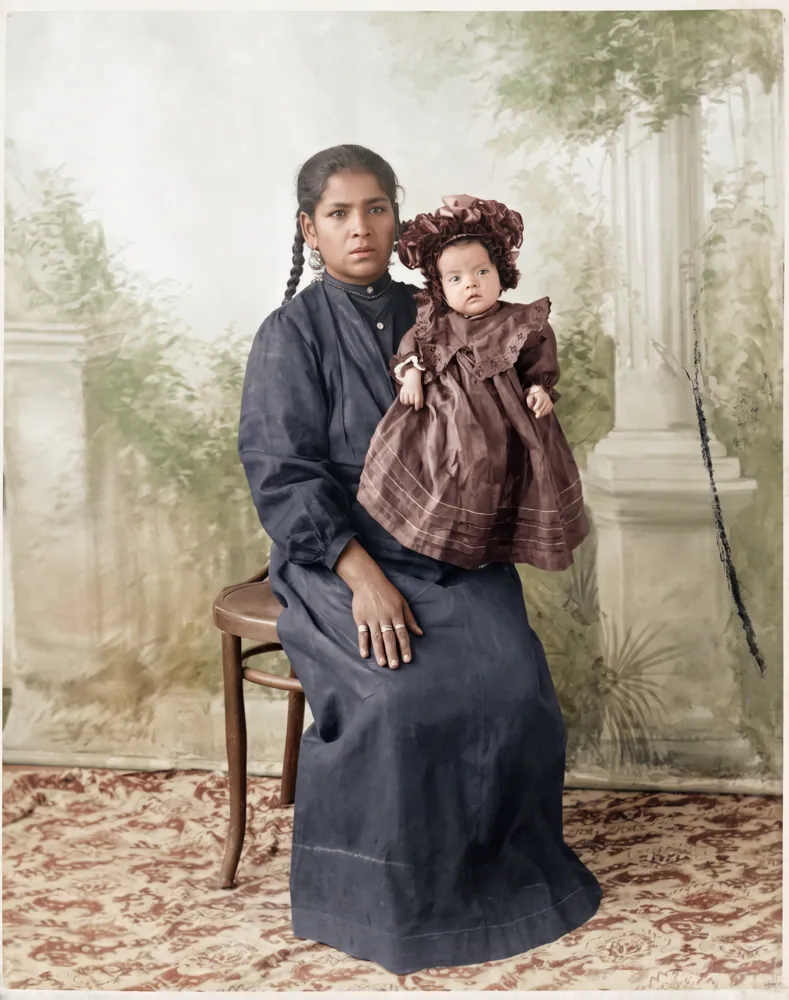 mended.
You photograph the print
On a table, away from the window, filling the frame, or a scan. Before anything is sent, your browser looks for glare, blur and a small picture, and suggests taking it again if needed.
We look at it on our own server
Every photo goes through a safety filter on our server first. We don't mend photos with nudity, including babies in the bath, and nothing is sent anywhere until the photo has passed. We also find the edges of the print and straighten it; you can move the corners.
The image model mends it
The cropped photo, and only that, is sent with our fixed instructions: repair tears, creases, scratches, spots and fading; keep every person, face, expression, pose and background exactly as they are; add nothing and remove nothing. For colour, add natural colour of the period. There's no box to type requests into, so nobody can ask it to change a face.
We compare every face
We find each face in your original and in the mended version, and measure how alike they are. If a face has drifted, we try once more with stricter instructions. If it still isn't right, we rebuild that face from your original's own pixels, cleaned of spots and scratches, with only colour taken from the mended version.
You see the result, free
The preview carries a watermark and a face report: how many faces we found, and which were kept from your original. The photo you keep is exactly that picture, without the watermark. Nothing is re-made after you pay.
Your files, enlarged for printing
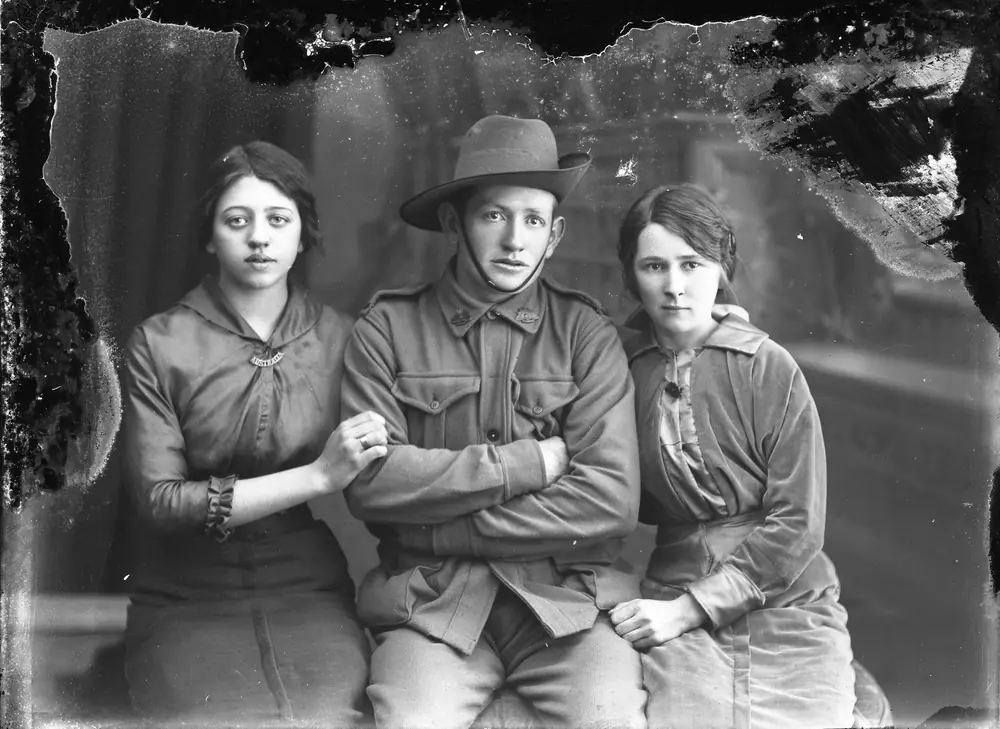
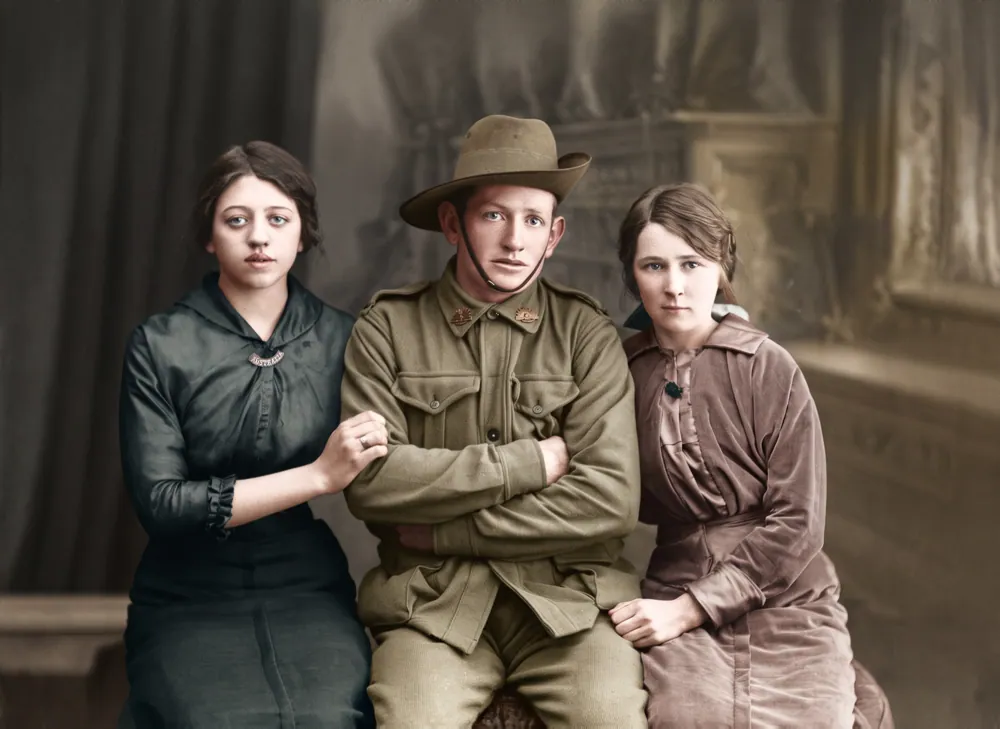
The full-size file is 3840 pixels on the long side, enlarged from the restoration with no AI at all, so it is the same picture you saw, just larger. With it come before-and-after pictures and an 8-second reveal clip.
what we never do.
- Invent a face, or draw one where a print is torn away.
- Add, remove or move anyone or anything.
- Smooth skin, change anyone's age or make them look "better".
- Take free-text requests such as "make him smile".
- Store face measurements, or compare faces between photos or people.
- Use your photos to train an AI model, or in our marketing.
About the AI
Which AI do you use?
A Google image model, reached through Abacus.AI. Our privacy policy always names the model in use right now.
Can I tell it what to change?
No. Every version is made from fixed instructions: repaired, repaired with colour, or enhanced, and Try again offers warmer, cooler, the same again or stricter with faces.
Is there a hidden watermark?
Google adds an invisible SynthID watermark to images its models make. You won't see it; it marks the picture as AI-assisted.
Does a person check my photo?
No person retouches your photo or looks at it before you see it. The safety filter and the face comparison run automatically on our server.